
Where it starts
Paper on the flight deck, a scanner, a spreadsheet and a lot of trust
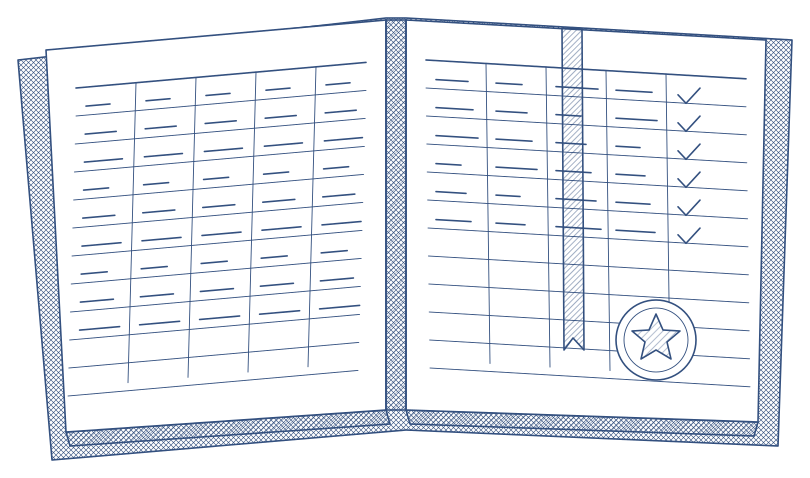
Grading happens on paper, in the aircraft or the simulator. Someone types it into a spreadsheet a week later, the scan goes into a shared folder and the next due date lives somewhere else. Which version of the form was used is anyone's guess.
- No reliable date for when a check was actually graded
- Corrections that overwrite the original
- Hours to find a record for an inspection
What Qualify does
The record is the archive
- Your forms rebuilt in the builder and published; every record shows the version it was graded on
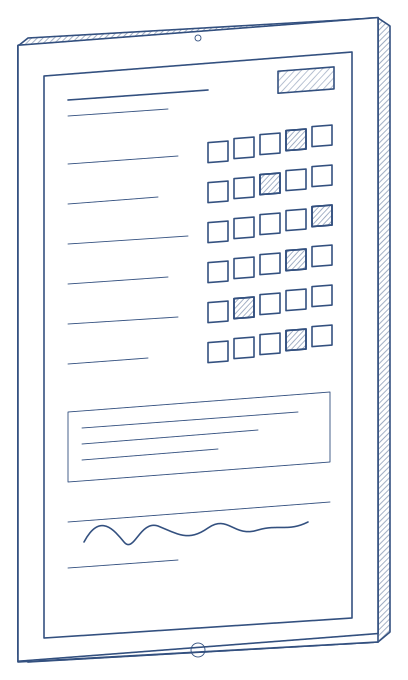
- Graded on the iPad during the flight or the session, with or without a connection, with the real time of grading
- A reviewer and an approver sign before a result counts; the trainee acknowledges
- Grades cannot be edited afterwards; corrections go through a note and leave a trace
- Find any record by name, form, flight or aircraft in seconds
- A one-page dossier per check for the inspector
What you end up with
Inspections that start with a link, not a search
- Every check retrievable with its version, signatures and history
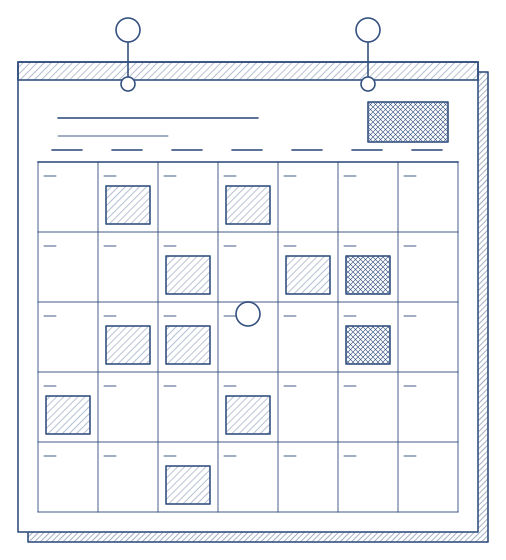
- Next due dates worked out from the records themselves
- Licences, medicals and authorisations with their expiry dates in one list
- Reminders for due, overdue and expiring
How the project runs
A quick, three-step move
Rebuild the forms
Catalogue, rating scales, then the forms themselves, previewed the way the iPad shows them.
Bring the history
Existing records and syllabi brought in, so due dates are right from the first day.
Go live fleet by fleet
One fleet first; the others follow on the same installation.