
The devices your training runs on, next to the training.
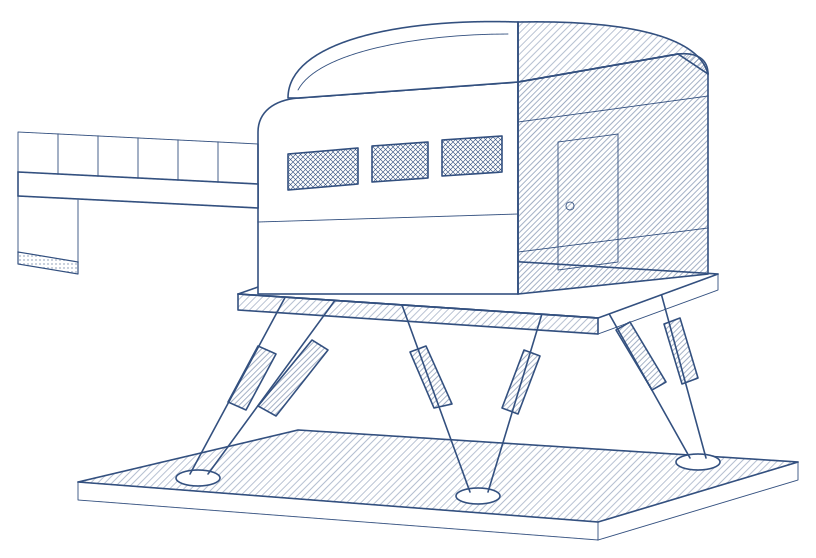
Simulators, classrooms and aircraft managed in the same product as the sessions they serve. A grounding snag takes a simulator out of the schedule the moment it is raised.
Per device, in one place
Events, snags, maintenance, qualification tests and utilisation for every simulator. A dedicated engineer role sees all of this and none of the training data.
Snag log
Severity, category and who is on it. A grounding snag takes the device out of the schedule instantly.
Maintenance
Planned work with a booked window that shows as downtime, repeating when it should.
Qualification tests
Plan, perform, submit and approve each test run. Approved runs cannot be changed.
Utilisation
Hours delivered against hours planned, over a week, a month or a year.
Technical dashboard
Fleet health, downtime and hours of work, for the engineering meeting.
Classrooms, aircraft, authorities
Rooms with capacity and equipment, fleet aircraft, and the authorities you answer to.
Raise it, ground it, book around it
When a snag affects serviceability, the device is unserviceable from that moment: the schedule shows it and no session can be booked on it until it is resolved. Operating hours, daily limits and device qualifications feed the same check.
- Serviceable, unserviceable or in maintenance, at a glance
- Training minutes lost recorded with each snag
- Snags linked to the maintenance task that fixes them
A day view engineers and schedulers share
One device, one day: working hours, time in session, time free, time in maintenance, on a single bar. Sessions, maintenance, blocks and cancellations each have their own colour.
Utilisation that feeds next year's plan
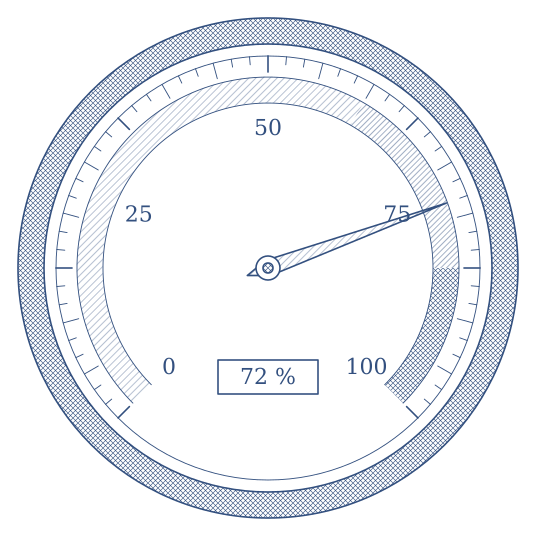
The hours a device really delivers, less its maintenance, are what the forecast plans on. Utilisation here is the same data looked at backwards.