
Forms and drafts
The published forms, the ones you have not finished, and a setup that fills in flight, simulator and trainees for you.
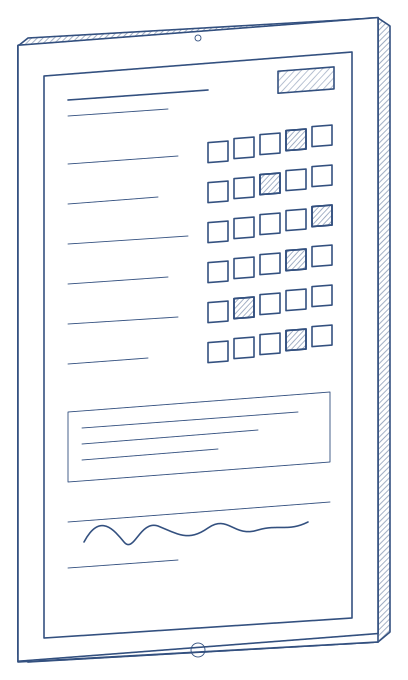
Instructors, examiners and trainees work on the iPad. The right form opens from the session, drafts save themselves, and grading carries on when there is no connection, on board or in the simulator.
The published forms, the ones you have not finished, and a setup that fills in flight, simulator and trainees for you.
One tab per trainee, with each trainee's history and previous grades a swipe away.
Record threats, errors and undesired aircraft states as they happen, with the competency that caught them.
Keyboards for headings, altitudes and codes. Signatures drawn on the glass. Briefing sheets one tap away.
Examiners review, return or approve from the iPad. Trainees acknowledge their results.
Who is doing well, who needs attention, and what is on today.
Aircraft and simulator halls rarely have good Wi-Fi. Qualify assumes it.
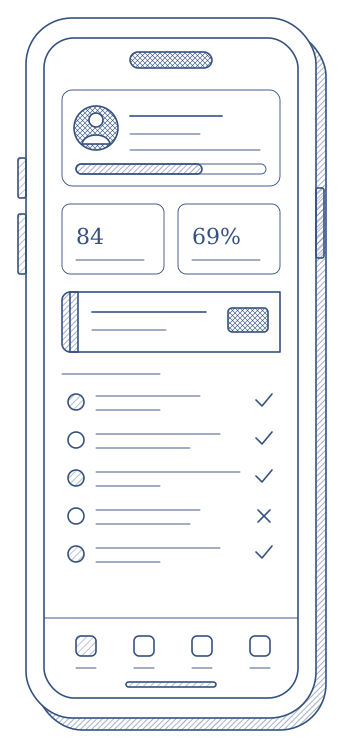
A companion app for the phone: the next session, the training history, a personal Microscope, credentials and documents.