
Forms & Records
Home › Product › E-Forms
E-Forms
The forms crews file, not the ones they are graded on.
Safety reports, fatigue reports, voyage reports, anything a crew member files rather than is graded on. Built in the same builder, filed from the same iPad, reviewed in the same queue, and kept with the same care as a check.
What is inside
Same machinery, a different family of forms
An e-form has fields and signatures and no grades. Everything else you know from training forms is there.
The same builder
Sections, fields, conditions, attachments and versions. The grading tabs are simply not there.
Filed on the iPad or the web
Started from the app, with the flight or the session attached when there is one.
The same review chain
Submitted, reviewed, approved, returned with a note or rejected with a reason, exactly as a check.
Signed inside the form
Whoever files it signs on the form itself. An acknowledgement closes it.
A separate team can run it
Safety or quality can own e-forms without seeing a single grade, and the other way round.
Into your own PDF
Map the authority's or your own form once and every filing exports into it, in the browser.
Built once, published as a version
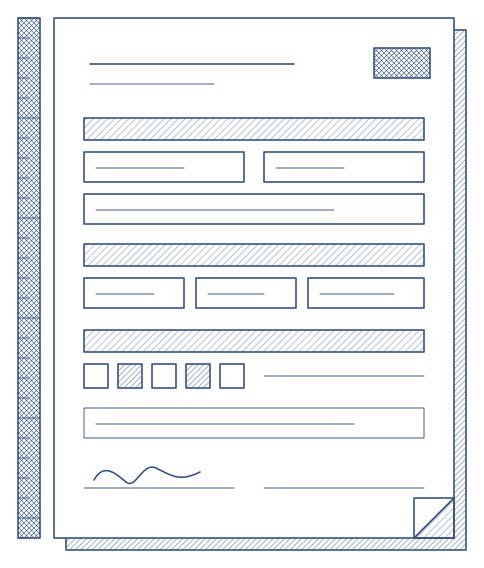
Five tabs: what the form is, its sections and fields, who is told when it is filed, the reference material it carries, and every version ever published. A filing always shows the version it was made on, so a form can change without rewriting history.
- Sections that appear only when they apply
- Attachments crews can open from the catalogue
- Copy the form, change the copy, publish, retire the original
Everyone sees their own
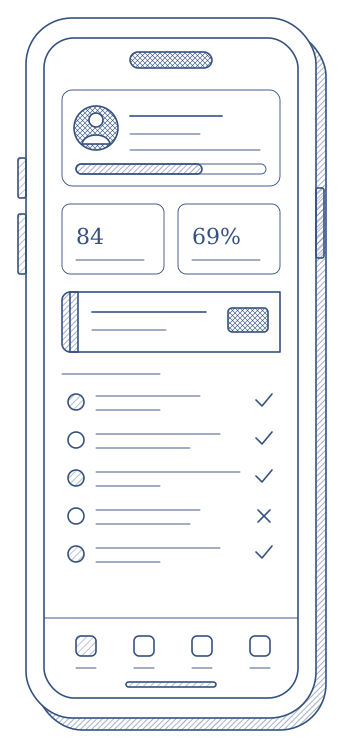
A crew member sees the e-forms filed about them in their own list, the way they see their assessments. Reviewers see the queue for their crew. Nobody sees more than their role allows.
- Search by person, flight, registration or route
- Filters that count the whole list, not one page of it
- A notification when a form is filed, reviewed or returned
The record is the filing
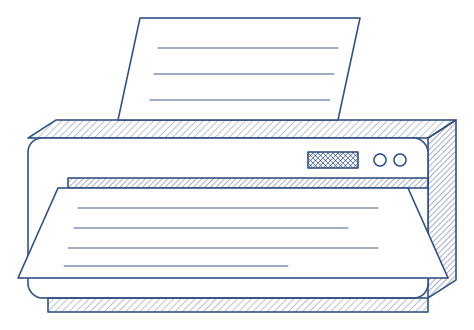
An e-form has no verdict, so there is no dossier to print. What there is: the fields as completed, the signature drawn on the form, the two-step signature chain and, when you have mapped one, the export into your own PDF layout.
Goes with
Instructor App
Filed where it happensOn the iPad, with or without a connection.
Instructor AppUse case