
Where it starts
The check is graded once and typed twice
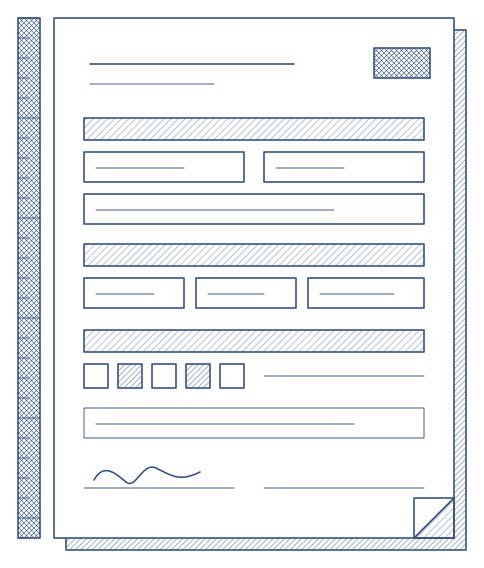
The record lives in the product, but the authority still wants its own form, and the training manual still names a layout that has not changed in a decade. So somebody copies grades from a screen into a PDF, and the two never quite agree.
- A form the authority prescribes, field by field
- An operator layout the manual refers to
- An observations table that lists only what went below standard
What Qualify does
Upload the PDF once, map it once
Every form can carry its own print layouts. Upload the PDF, say which of its fields takes which value, and from then on every check on that form exports into it from the record, in the browser, with nothing retyped. A fillable PDF is mapped field by field. A scanned form is mapped by drawing boxes where each value belongs.
- Names, dates, the result, every grade, every comment, every signature
- Ticks and crosses that land in the printed squares
- An observations table built from what was actually below standard
- Several layouts per form, with a default for the one-click export
What you end up with
The operator's own paper, beside the audit dossier
- Two exports of the same check are identical, and a corrected grade shows in the next one
- The filled form is a rendering. The record, its version and its history stay the evidence
- Long comments wrap and shrink to fit, so nothing spills onto the form
- E-forms export the same way

How the product runs it
Four steps, done once per form
01
Upload
Open the form, add the PDF and give the layout the name the export button will show.
02
Map
Pick a value for each field from the list, or name the PDF's fields after the values and let them map themselves.
03
Place
For a scanned form, draw boxes on the page: text lines, a cross over the printed square, a rectangle for the signature.
04
Export
From any check on that form, one press. The file is on your computer in a second.