Getting started
- Signing in on the web, iPad and phone
- Your dashboard
- Your own lists
- Notifications
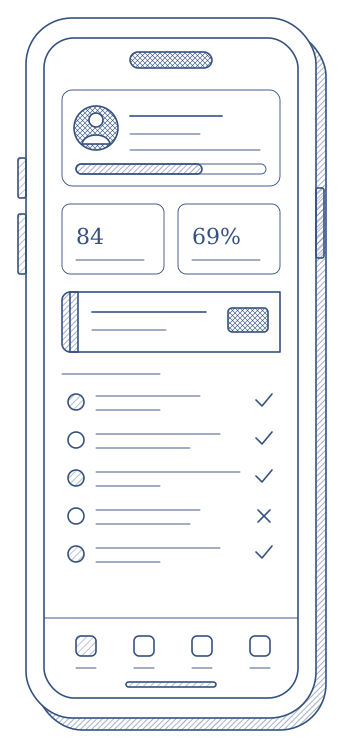
The user guide lives inside Qualify. Open Help in the panel and you get the guide for exactly the version you are running, with a picture of every page.
Opening the right form, grading several trainees, recording threats and errors, working without a connection, correcting a returned form, acknowledging a result and the Training Passport are all covered, screen by screen.
Instructor App